
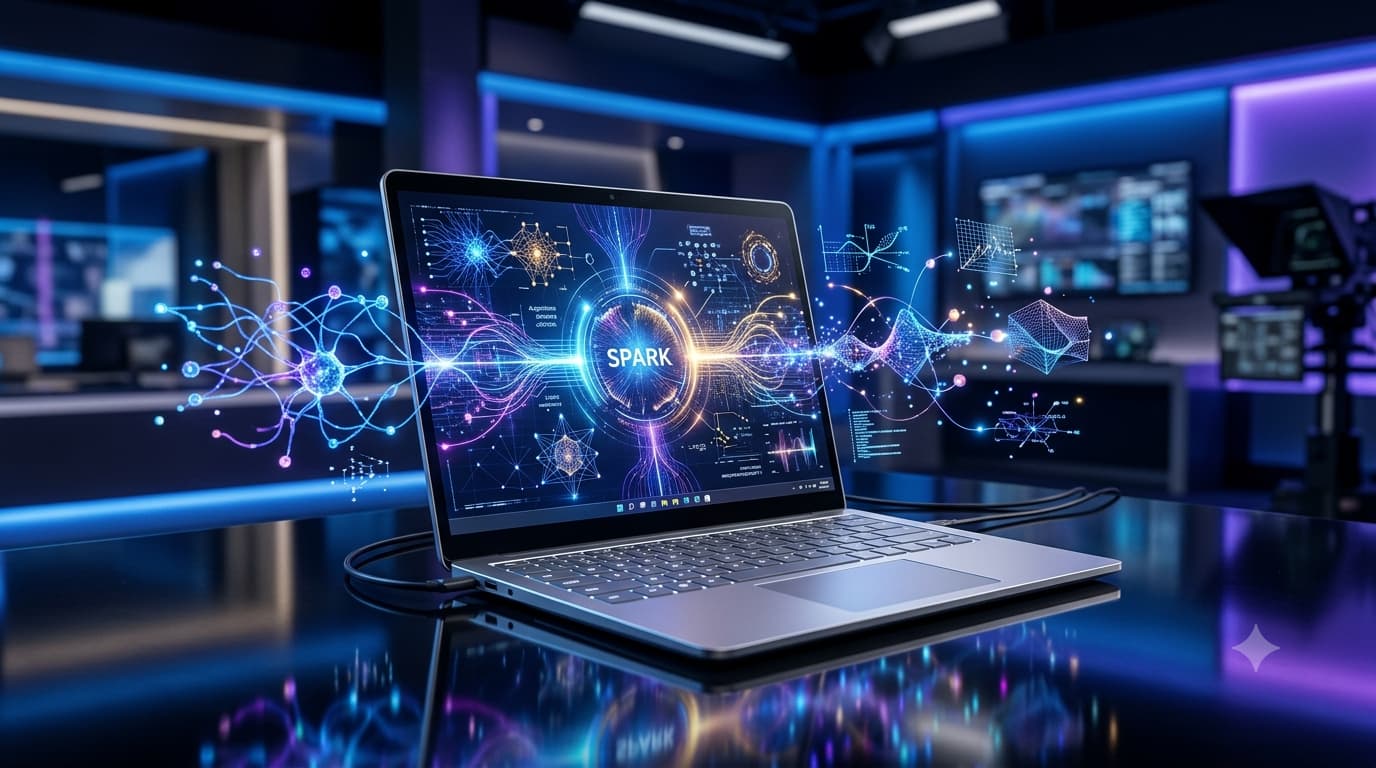
Microsoft Unveils Its Most Powerful AI Laptop Yet
Microsoft has officially introduced the Surface Laptop Ultra, a new high-performance AI laptop designed for developers, creators, and enterprise users. The device combines NVIDIA’s new RTX Spark platform with Microsoft’s Surface design language, making it one of the most powerful AI-focused Windows laptops ever released.
But what exactly is the Surface Laptop Ultra? Who is it for, and how does it compare to other premium laptops? Here’s everything you need to know.
What Is the Microsoft Surface Laptop Ultra?
So Microsoft has a new laptop, and this one feels… different.
The Surface Laptop Ultra isn’t just another upgrade. It’s clearly built with AI in mind from the start. Instead of pushing everything to the cloud like most laptops do, this one tries to handle heavy AI work right on the device.
That’s a big shift. If you’ve ever waited on cloud processing or worried about internet speed during work, you’ll get why this matters.
At its core, this is a high-end machine. It’s meant for people who push their systems hard—developers, creators, and anyone dealing with large workloads.
Key Specifications of Microsoft Surface Laptop Ultra
On paper, this thing is loaded. Here’s what you’re looking at:
NVIDIA RTX Spark Superchip
Up to 20 ARM CPU cores
Blackwell-based GPU
Up to 128GB unified memory
15-inch PixelSense mini-LED display
2880 × 1920 resolution
HDR with up to 2,000 nits brightness
USB-C, USB-A, HDMI, SD card reader, headphone jack
Dedicated AI acceleration hardware
If you’re into hardware, you can probably tell already—this isn’t a typical thin-and-light laptop.
Why Is NVIDIA RTX Spark Important?
This part is actually interesting.
NVIDIA’s RTX Spark platform isn’t just about graphics. It combines CPU, GPU, memory, and AI acceleration into a single setup. The goal is simple: run AI models locally without needing the cloud all the time.
Think about running an LLM, generating images, or editing video with AI tools right on your laptop, no waiting for remote servers.
If you’ve ever tried running anything heavy locally, you know how rare that is on laptops.
The ability to run advanced AI models locally could play a significant role in shaping modern work, where AI assistants become part of everyday business operations.
What Can the Surface Laptop Ultra Do?
This machine is built for serious work. Not casual browsing.
Here’s where it fits best:
AI development: You can train or test models locally without relying on cloud services every time
Content creation: Video editing, 3D work, and design tasks should feel smooth
Software engineering: Big builds, containers, virtual machines, it can handle them
Data science: Large datasets and ML workflows won’t choke the system
Gaming: Not the main focus, but the GPU should handle modern games well
If your current laptop slows down when things get heavy, this is the kind of upgrade that actually changes your experience.
How Much RAM Does the Surface Laptop Ultra Have?
This one stands out.
You can go up to 128GB of unified memory. That’s not something you usually see in laptops.
If you’ve ever had Chrome tabs, an IDE, and a couple of tools open, and everything starts lagging, you’ll understand why this matters.
More memory means fewer compromises.
How Is It Different From Previous Surface Laptops?
Older Surface laptops were more about portability and clean design.
This one feels like Microsoft decided to go all-in on performance.
It’s heavier in capability, not just in specs. You get a much stronger GPU, way more memory, and hardware built specifically for AI tasks.
It’s less “daily laptop” and more “portable workstation.”
How Does It Compare to Apple’s MacBook Pro?
This is the obvious comparison.
Here’s where Surface Laptop Ultra might win:
Higher memory options
Strong focus on AI workloads
More ports (which, honestly, still matters)
Better fit if you’re deep into Windows tools
Where MacBook Pro still has an edge:
Apple Silicon is very efficient
Battery life is usually better
The macOS ecosystem is tightly optimized
So it really comes down to how you work. If you’re already in Windows or doing AI-heavy tasks, this Surface might make more sense.
Who Should Buy the Surface Laptop Ultra?
This isn’t for everyone. And that’s okay.
You’ll get the most value if you’re:
An AI developer
A software engineer
A data scientist
A video editor or 3D artist
Someone who just needs a lot of power on the go
If your usage is mostly browsing, streaming, or basic office work… this is probably overkill.
What Is the Display Like?
The display looks impressive.
It’s a 15-inch mini-LED panel with HDR and up to 2,000 nits of brightness. That’s bright enough for almost any environment.
If you edit photos or videos, or just care about screen quality, this is one of those things you’ll notice every day
Surface Laptop Ultra Availability
Microsoft says it’s coming in late 2026.
Exact dates and pricing are still not fully clear. So this might take a bit of patience.
Final Thoughts
This feels like Microsoft testing a new direction.
Instead of just making faster laptops, they’re building machines that are ready for AI-heavy work from day one.
If you’ve been following where computing is going, this makes sense. More work is shifting toward AI, and relying only on the cloud isn’t always ideal.
Would you actually need this much power on a laptop? Maybe not. But if you do, this could be one of the most interesting options to watch this year.
Frequently Asked Questions
Is the Surface Laptop Ultra a gaming laptop?
Not really. But it should run modern games quite well thanks to the GPU.
Can it run AI models locally?
Yes, that’s actually one of its main strengths.
Does it replace the Surface Laptop?
No. It sits above it as a more powerful option.
Is it better than a MacBook Pro?
Depends on your workflow. If you’re into AI or Windows tools, it might feel like a better fit.

COMMENTS