
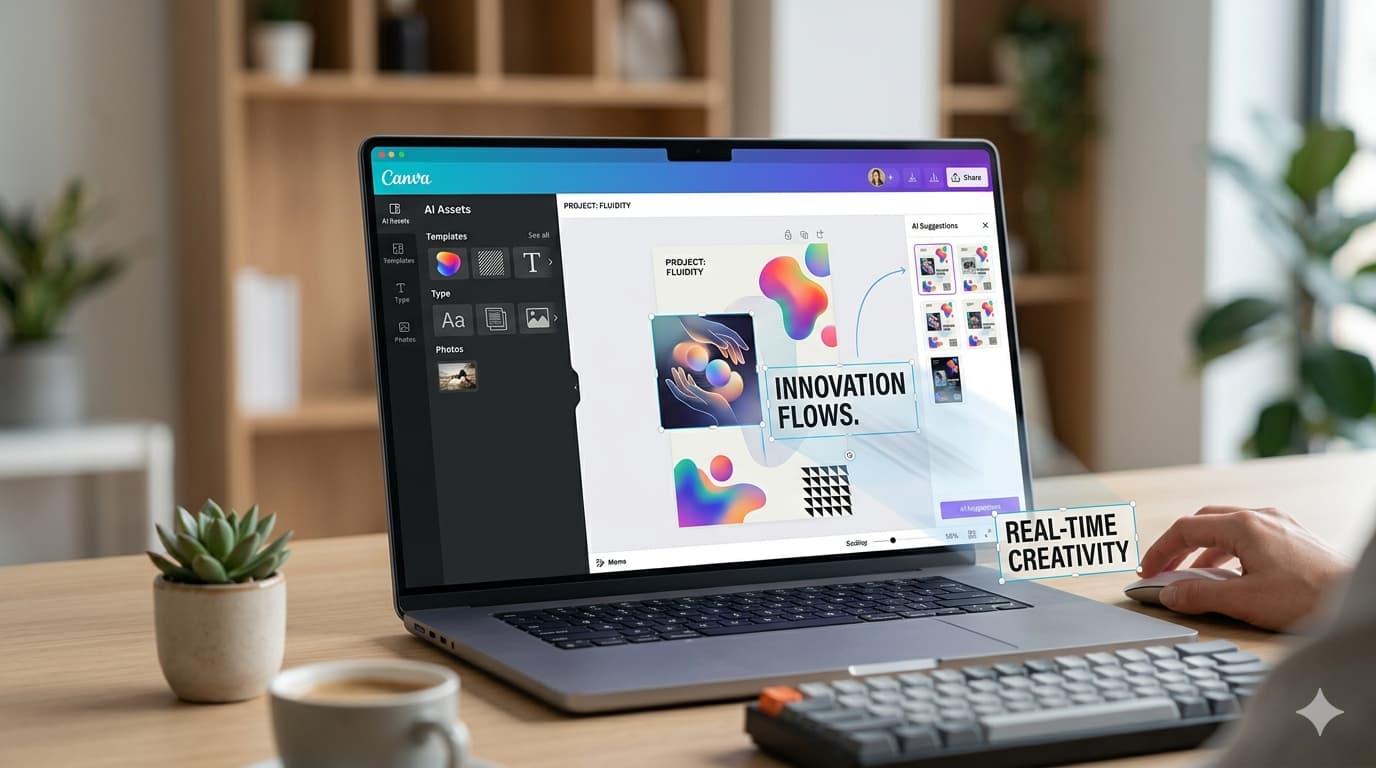
AI Tools Are Starting to Feel Natural
Something feels different about AI in Canva design lately. It’s not just about generating ideas anymore.
This shift isn’t just about Canva; it’s part of a bigger AI workflow shift happening across modern tools. This becomes clearer when you look at how tools are evolving.
A while ago, designing with AI felt like a loop. You type a prompt, wait, get something, and then try again because it’s not quite right. It worked, but it wasn’t smooth.
Now, with Anthropic working inside Canva, things feel more natural. You don’t have to restart every time. You edit what’s already there.
Move things around, fix the text, or adjust the layout. It feels closer to how you’d normally design something.
A More Practical Way to Create
Think about how you usually work on something creative. You don’t get it perfect in one try, and you adjust things slowly.
That’s exactly what this new approach allows.
Instead of rewriting prompts again and again, you make small changes. It saves time, but more importantly, it keeps your flow going.
It’s not flawless. Sometimes the output still needs work, but it doesn’t interrupt you the way it used to, and that alone makes it more usable.
Why This Shift Matters
This is not just a feature update. It changes how you approach creative work.
You don’t need to think too much before starting. You can begin with a rough idea and shape it as you go.
If you’ve ever paused because you didn’t know how to start, this makes a difference. The barrier feels lower.
You’re not chasing a perfect result from the beginning. You’re building toward it.
How AI in Canva Design Is Changing the Workflow
The bigger shift is simple. AI is no longer a separate step.
It’s becoming part of the workflow itself.
You’re not stopping to “use AI.” You’re just working, and it’s there in the background, helping you adjust things faster.
That’s what makes this change important. Not because it’s flashy, but because it fits naturally into how people already work.
And once something feels natural, it tends to stay.
If you’re exploring more options, there are plenty of free AI tools you can try right now.

COMMENTS